General
Devices
Soteria+ is supported on any device: computers, phones, and tablets. Simple navigate to your Soteria+ instance via your device's web-browser. You may find compatibility issues with older or unsupported operating systems.
Log In
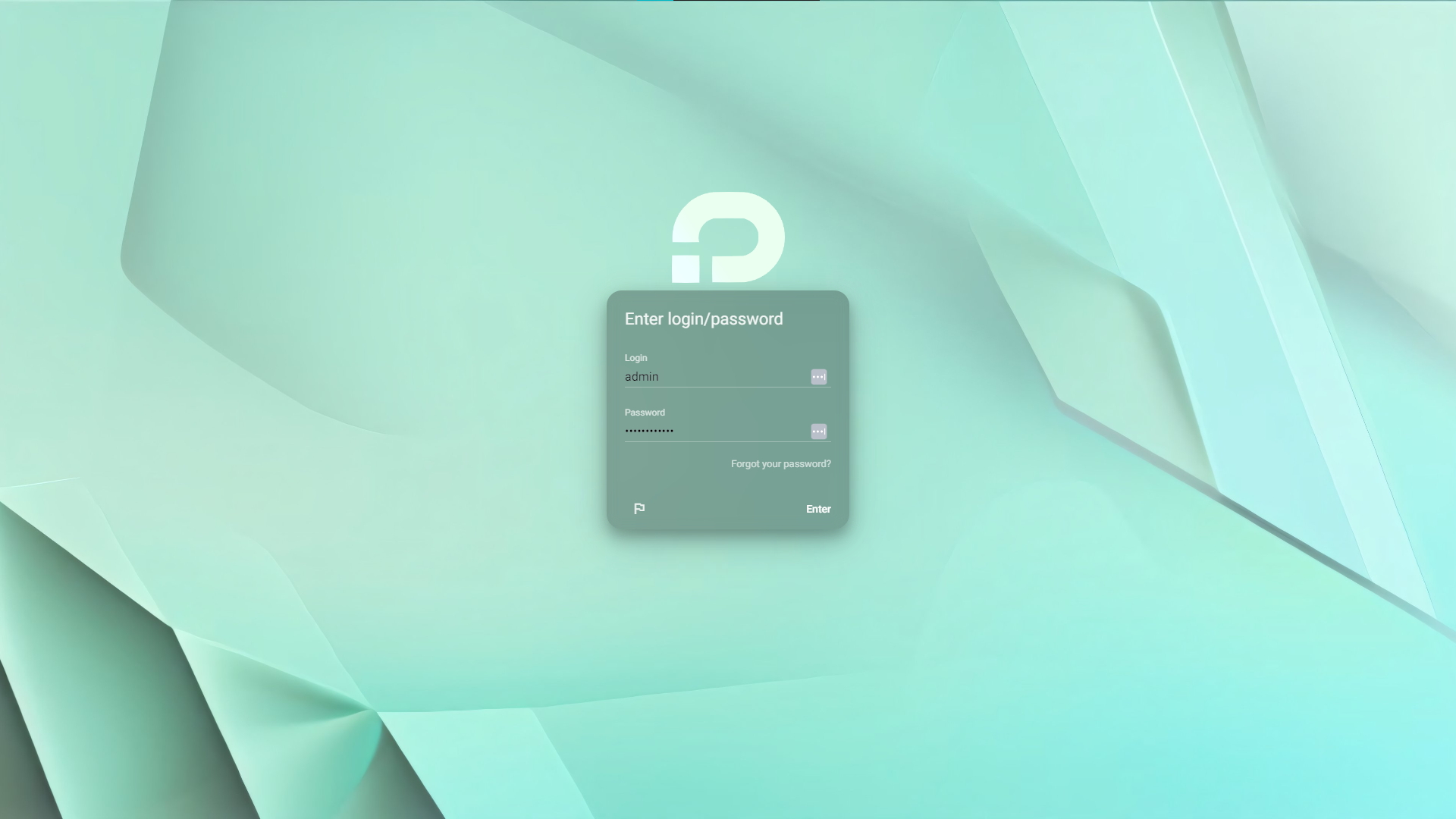
After navigating to your Soteria+ instance, you will be asked to log in. Soteria+ can be configured to use external SSO providers, if desired by your organisation. It can also integrate with LDAP/Active directory. If multi-factor authentication is enabled (hardware and software supported), you will be prompted to provide it. Your SSO and log-in security requirements will have been discussed and integrated during your signup.